

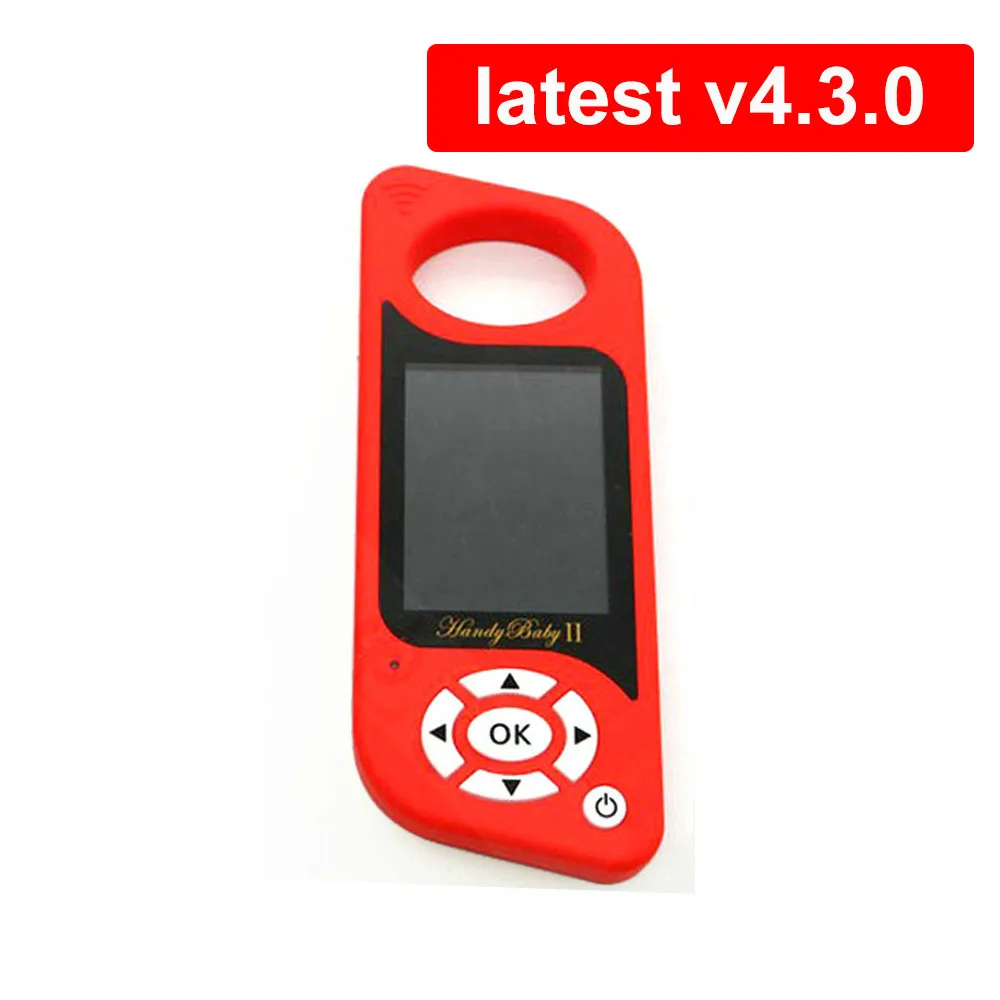


JMD Handy Baby II Auto Key Programmer V4.3.0 for 4D/46/48/G Chips 2 English/Spanish Language | Автомобили и мотоциклы
Сохраните в закладки:


История цены
*История изменения цены! Указанная стоимость возможно, уже изменилось. Проверить текущую цену - >
| Месяц | Минимальная цена | Макс. стоимость | Цена |
|---|---|---|---|
| Jul-24-2026 | 0.64 руб. | 0.30 руб. | 0 руб. |
| Jun-24-2026 | 0.20 руб. | 0.77 руб. | 0 руб. |
| May-24-2026 | 0.3 руб. | 0.41 руб. | 0 руб. |
| Apr-24-2026 | 0.42 руб. | 0.49 руб. | 0 руб. |
| Mar-24-2026 | 0.47 руб. | 0.4 руб. | 0 руб. |
| Feb-24-2026 | 0.98 руб. | 0.73 руб. | 0 руб. |
| Jan-24-2026 | 0.40 руб. | 0.38 руб. | 0 руб. |
| Dec-24-2025 | 0.21 руб. | 0.22 руб. | 0 руб. |
| Nov-24-2025 | 0.40 руб. | 0.31 руб. | 0 руб. |
Новые товары
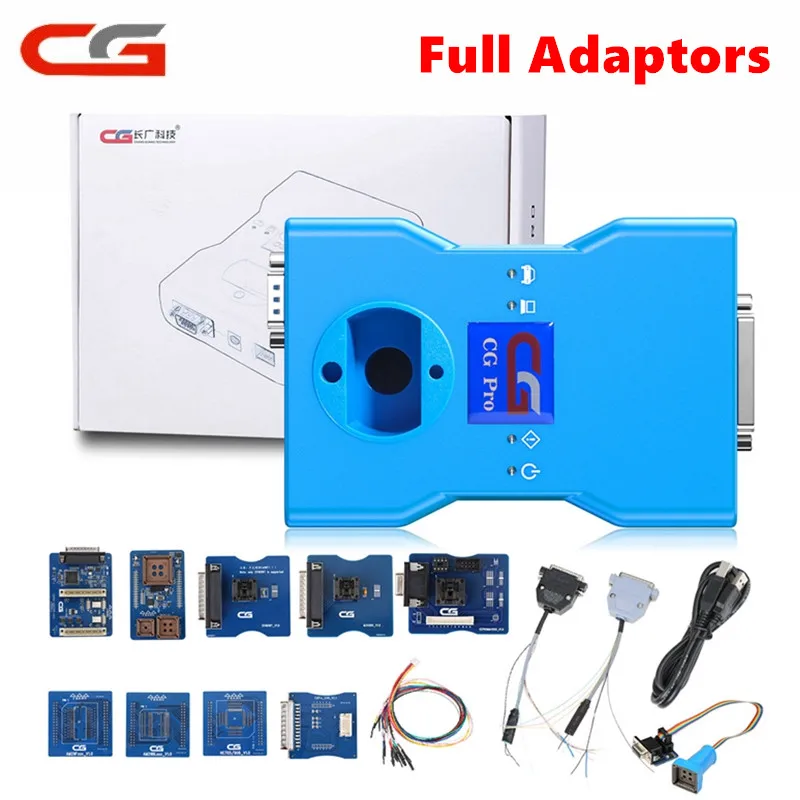
Программатор полная версия со всеми адаптерами включая новые переходники CAS4 DB25 и
35208.31

USB-программатор UPA с полными адаптерами V1.3 инструменты для настройки
2 076,25 руб.

JOLFQ Auto Key Программист иммобилизованных эмулятор Renault и Nissan IMMO 2 в 1 | Автомобили
779.12
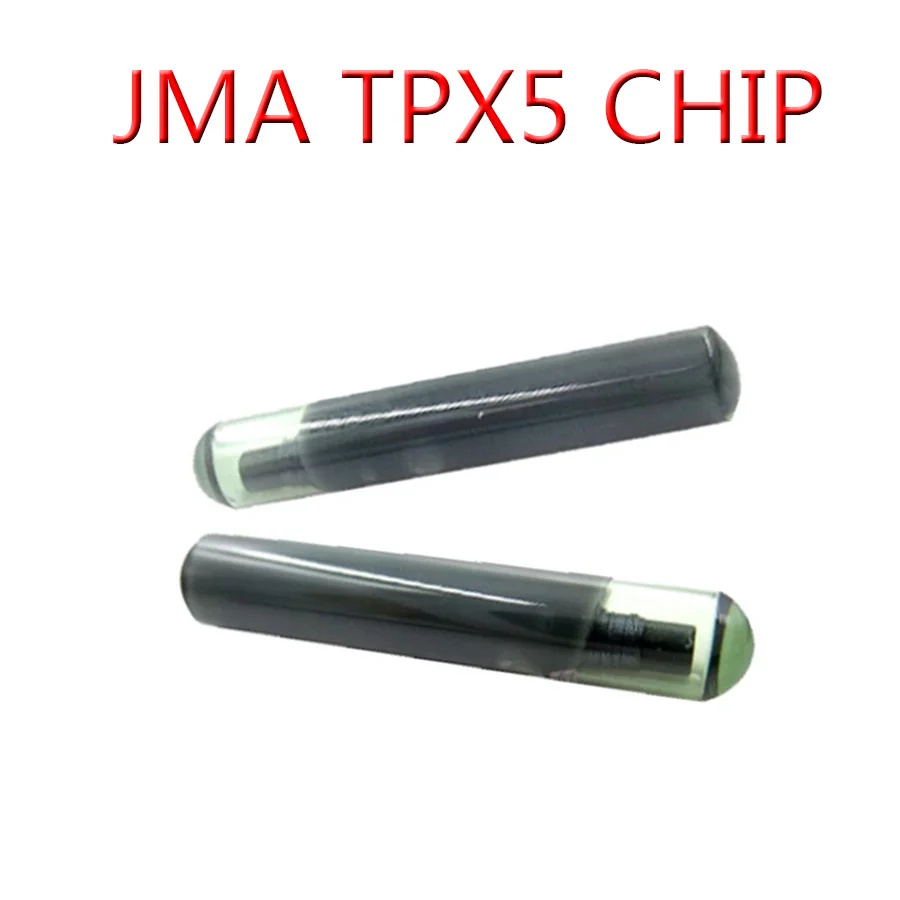
JMA TPX1 TPX2 TPX4 TPX5 клон чипа транспондер стекло копия 4C 4D 46 | Автомобили и мотоциклы

Автомобильный ключ-чип пустой 4D 60 чип стекло 4D60 транспондер для Ford Auto | Автомобили
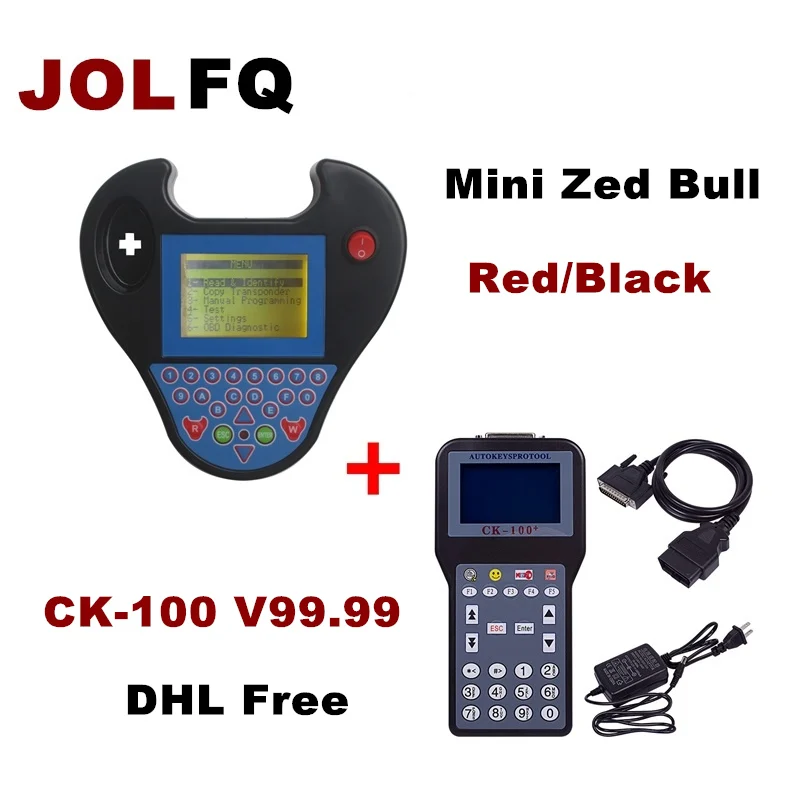
Бесплатная доставка DHL лучшее качество CK100 v99 99 новое поколение SBB No Tokens Limited & MINI
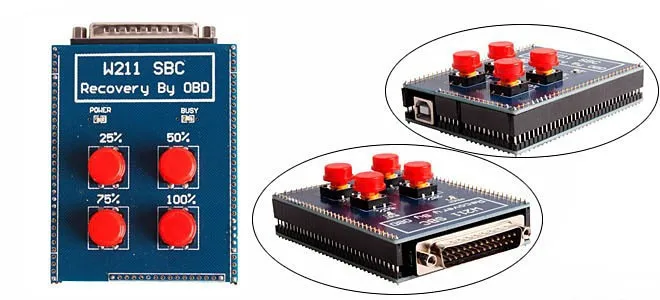
SBC для Benz New W211 R230 инструмент сброса ABS/SBC восстановление с помощью OBD2 ремонта код
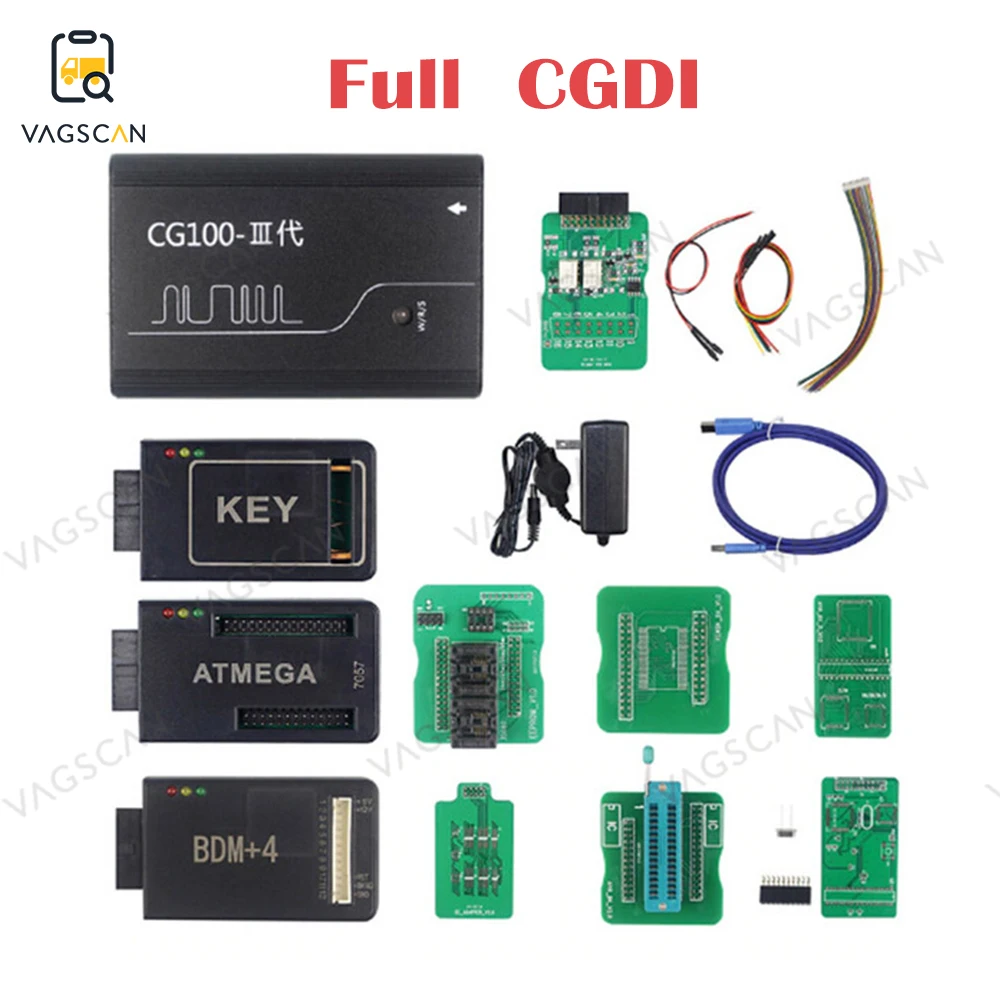
CG100 III полнофункциональные устройства для восстановления подушек безопасности
45167.49
Характеристики
JMD Handy Baby II Auto Key Programmer V4.3.0 for 4D/46/48/G Chips 2 English/Spanish Language | Автомобили и мотоциклы
Описание товара
latest JMD Handy Baby II Auto Key Programmer V4.3.0
3. Update Free Online on Offcial Website
![handy baby 2]()
![]()
How to Register and Activate JMD Handy Baby II Key Copy Machine?

JMD Handy Baby II Auto Key Tool for 4D/46/48/G Chips Programmer Handy Baby 2 English/Spanish Language
Handy Baby 2 Hand-held Car Key Copy Key Programmer for 4D/46/48 Chips
Note:
1. Language: English , Spanish Version2. This Device can't work together with CN1 or CN2 Chip, need to work with specially designed Handy Baby King Chip and Handy Baby Super Chip3. Update Free Online on Offcial Website

Key Copy Programmer Recognize and Copy:
Recognize: Recognize chip 13, 40/41/42/44/45, 4C/46/48, 4D61/62/63/67/68/68﹢/71. Able to tell if 48 chip is from original or deputy factory.Copy: Copy 46, 4D and a partial of original 48 I.E Buick Excelle, you have to use special GMT46/4D Chips, ID48 chips which can change ID. Operation steps: Turn on: long press the "On" button. Turn off: long press the "On / off" button or "On / off" and "OK" buttonSteps to operate: follow the tips on the screen, put the original key into the coil, press "OK" to recognize. Take chip 46, 4D and 48 for example. Steps to copy 46: 1. Press "OK" to decode2. Make antenna close to coil3. Insert and turn the key (collection) 4. Put original key into coil to decode5. Put new key into coil to copy Steps to copy 4D: Press "OK" to decode, then put new key into coil to copy. Steps to copy 48: Press "OK" to decode, then put new key into coil to copy. Handy Baby Key Copy Programmer Initialize: Please use with caution: only available for JMD46 / 4D and revisable UID48 chip. The data won't be restored after the chip erased. Enter program, select the chip type, press "OK" to restore to factory settings. Handy Baby Key Copy Programmer Test Frequency: Steps to test the key remote frequency: Enter program, make key close to the surface of left button, meanwhile press remote button, then the frequency will display. Handy Baby Key Copy Programmer Data read and write: 1) Read and write 46 chip 1. Please select correct chip mode and password in order to read & write chip correctly. The device default chip mode and password is 46 chip blank. 2. Select chip mode: move mouse cursor to "Mode", I.E "Plaintext mode", press "OK", the fonts turn black from white to indicate the selection mode, press "Up" and "Down" to select the Plaintext mode or password mode.3. Enter password: move cursor to the password box under the mode, press "OK" to proceed, press "Up" and "Down" to select the data (0`F), press "Left" and "Right" to transfer password.4. After finish press "OK"to exit, then move cursor to "Read all" to read out data. 5. Read all: read out all data for 46 chip and display the status of locked or unlocked.6. Write: write the corresponding data; make sure 46 unlocked before writing data. 7. Enter data: the way to enter data is as the same as to enter password. 2) Read and write 48 chip 1. Read: read out 48 chip UID, user 1 and user 2 data, and display 48 chip type as well as the status of locked or unlocked. 2. Write: write the corresponding area data; make sure 48 unlocked before writing data.3. Enter data: move cursor to the data input box, press "OK" to proceed, press "Up" and "Down" to select the data (0`F), press "Left" and "Right" to transfer password. After finish press "OK" button to exit, move cursor to "Write" to write data.4. Unlock: if the chip is locked, then it needs to be unlocked before writing into data. 5. Steps: when the chip is read out locked, please enter PIN code which is the code of 48 chip, move cursor to "Unlock", press "OK" to unlock. 3) Read and write 4D chip 1. Read: read out 4D chip password, recognition and ID data, also display their status of unlocked or locked. 2. Enter data: move cursor to the data input box, press "OK" button to proceed, press "Up" and "Down" to select the data (0`F), press "Left" and "Right" to transfer password. After finish press "OK" to exit, move cursor to "Write" to write data.3. Write: write the corresponding area data; make sure 4D unlocked before writing data.4. Lock: lock the corresponding area, note: it is unable to unlock after locked. 5. Car ignition check: enter the verification code, then it will return corresponding signature. 4. Other chips Able to recognize chip 13,40/41/42/44/45,4C/46/48,4D61/62/63/67/68/68﹢/71 Able to use T5575,em4305 and the compatible cards to copy 13 chip. 5. Generate chip Chip 67 and 68: need the unlocked 4D chip to generate. Specialized 48 chip: able to generate chip for only Seattle TA, VW TA, Skoda TA, Audi TA, SEAT TP, VW TP, Skoda TP, Audi TP and Jetta
How to Register and Activate JMD Handy Baby II Key Copy Machine?
To use Handy baby II key copy machine, you need to register device first. To use G chip (for free) and ID48 chip copy function (need adapter), you need to activate the authorization before use. Here's tutorial on handy baby 2 registration.
How to Register Handy Baby II?
Download JMD Client app from official website on laptop
Power on key copier
Go to Setup menu->Version


New device is not yet registered

Connect Handy baby 2 key programmer with laptop via USB cable

Open JMD Handy baby Client V4.3.0 software
Select More-> Registered Account

There are 2 options to register the account, by Email or by mobile phone number, here we take the phone number for example:

Manually enter phone number, user name and password, press Obtain button to get a vertification code on mobile phone (mailbox)

Enter registration code and Submit

Registration success.


Now login JMD with user phone number/email and password

Press Register Tab
Follow prompts to connect handy baby ii key copier with PC, turn on mobile phone, don't disconnect device during the procudre
Then you can activate G or 48 authorization

Select authorize G and start registering
Register success

Select authorize 48 and start registering

48 function has been activated. To use 48 chip copy function, you need extra JMD Assistant adapter to work with.

Go back and check device information. The Handy baby2 is registered and ready to use.
FYI: Handy baby II comes with G function , 2pcs JMD Remote and 3pcs Red Super Chip .
Red chip= JMD 46/4C/4D/G/KING/48 Chip all in one.
Трекер стоимости
Отзывы покупателей
Новые отзывы о товарах

Алексей 12 Мая 2024, 16:19 #
Использую DBPOWER 4K с 2016 года. Аккумуляторные батареи вышли из строя. Сообщите их обозначение для заказа и где купить.... Читать отзыв полностью...

Станислав 19 Декабря 2021, 11:37 #
Заказал сыну данный рюкзак, он показался мне практичным. Доставка была достаточно долгая где-то четыре месяца. Сам товар удобный, много помещается... Читать отзыв полностью...

Нина Александровна 24 Декабря 2021, 11:04 #
Отличные часы, купила для любимого мужа, и он и я просто в восторге. Дизайн не стандартный, очень эффектно смотрятся на... Читать отзыв полностью...


Эдуард 23 Декабря 2021, 13:58 #
Выбрал данную спортивную сумку для похода в спортзал, потому что моя старая порвалась. Пришла посылка мне через месяц, может быть... Читать отзыв полностью...
Станислав 20 Декабря 2021, 07:39 #
Заказал себе данный Power Bank. Пришёл он мне в течении двух недель от момента заказа. При получении был надёжно упакован... Читать отзыв полностью...

Заказывала парку через этот сайт, случайно на него наткнулась в интернете! Доставка очень быстрая, даже не ожидала, не приходится... Читать отзыв полностью...